Other functions
Configuration templates
A configuration template is a complete or partially filled configuration. A part can have a default template, but you can also select a template when registering the order. You can create templates in all procedure where you can open the configuration window.
In the procedure called Configuration templates you find a list of all existing templates. You can see to which configuration group they belong, when they were created/modified and by whom. Here you can also add/delete and copy templates. By clicking the button  you can also see the configuration of the template.

Configuration group list
The Structure list type provides you with an overview of your configuration groups and it is possible to print. You can filter it and see in which configuration group a specific option list or variable is used. The list type Option lists display the options in the option lists. You can filter by a part (an option) and see in which option lists it is included.
It is not possible to update any data in these lists.
Stock value
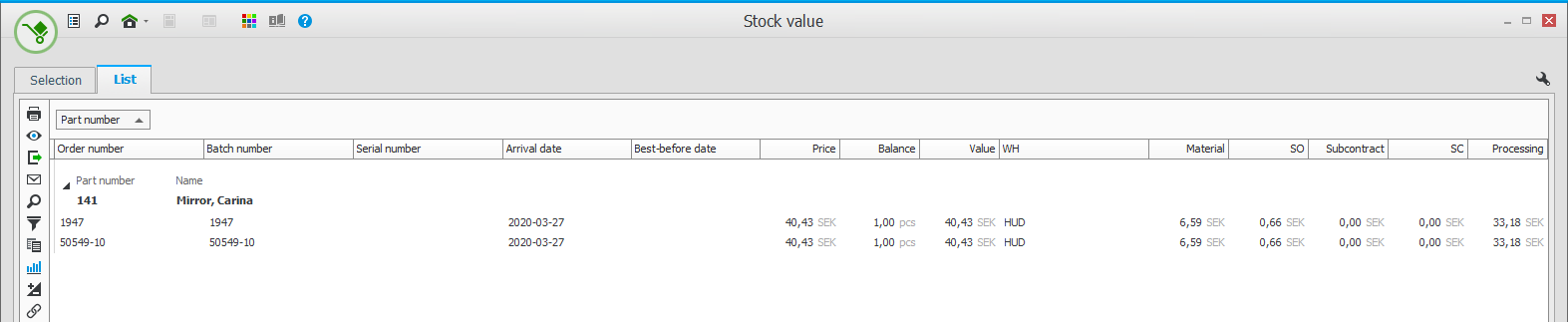
In the Stock value procedure there is a setting where you decide if you want to show configured parts. Since their values vary, you would in most cases not included these in the regular stock value lists. Instead there is a specific list type called Configured parts which only shows these parts.
Statistics
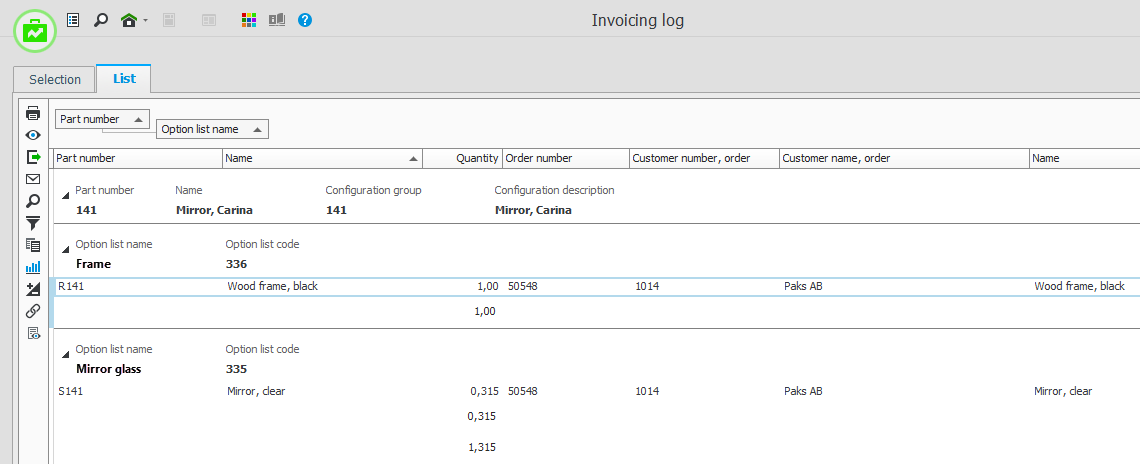
In the Invoicing log there is a list type called Configuration where you can see the distribution between different options in the option lists.
Additional types of statistics will be developed further on.
You can also create Customized reports or order such from Monitor ERP System AB, if there are any lists in particular which you think are missing in Monitor ERP.