Subordinate windows
In the procedures in Monitor ERP there are subordinate windows (dialog boxes).
 Modal windows
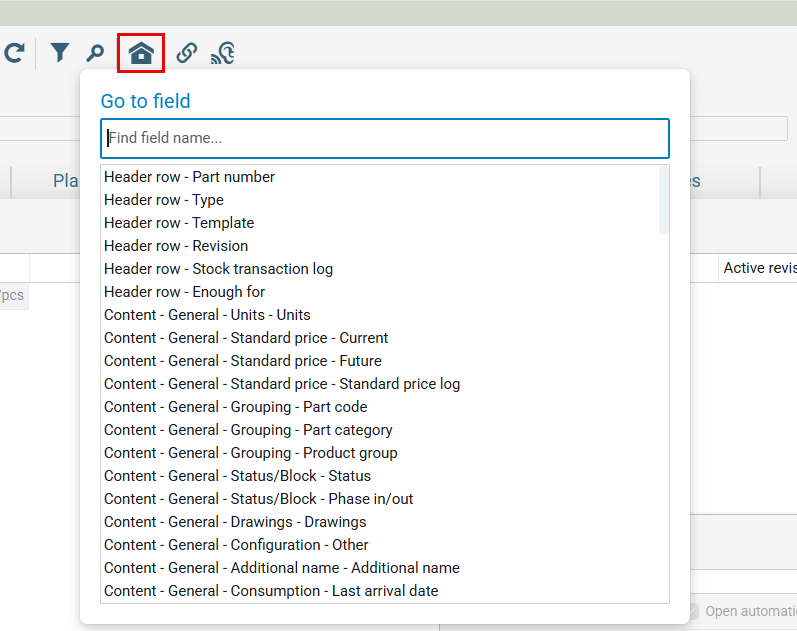
A modal window direct the user to perform an action in the procedure by being placed over the procedure window and locking it. This means you must close the modal window first in order to access the procedure window again. Examples of such windows are all dialog windows. Another modal window opens when clicking the Go to field  (Ctrl + G) on the toolbar in procedures. See the example below.