Find procedure
In the Find procedure field (Alt + D) at the top of the module menu in Monitor ERP, there is a find-as-you-type function you can use to find and open procedures. This is an alternative to looking for and open procedures in the module menu. A pattern search is performed on the text you enter. If you for example start typing "ust" you will get hits for the procedures containing "ust" in their names, such as Customer register and Price adjustment. If the background color for “m” in the upper right-hand corner is blue, the search will be done in all modules. If a module has been selected, the search will only be done in the selected module.
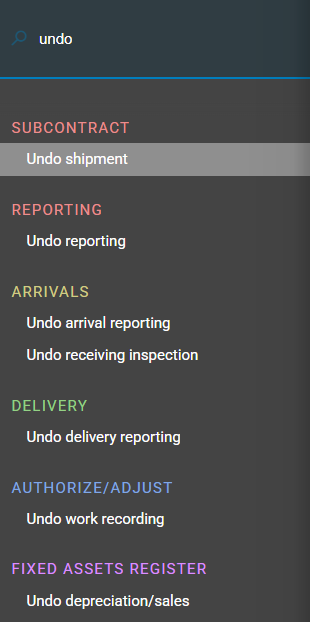
On the menu you see the procedures that match as you type in the search field.
You open the marked procedure by clicking the procedure name.