Arrivals
These procedures are usually used when/where arrival reporting is made, for example at goods receiving. This is where you arrival report goods received, print transport labels, and perform receiving inspections, in cases where this has been activated; on the part, on the order, or on the supplier.
Report arrival
Arrival report the entire order which will then receive status 9 (Final delivery made) or make a partial delivery of the order which will then receive status 5 (Partial delivery made). Transport labels can be configured to be automatically printed. A stock update is made of the balances of the arrival reported parts.
If the arrival should be subject to receiving inspection the order will receive the status Arrived after you have reported the arrival. In that case the order will then be loaded in the Receiving inspection procedure, where transport labels are printed and the balance is updated.

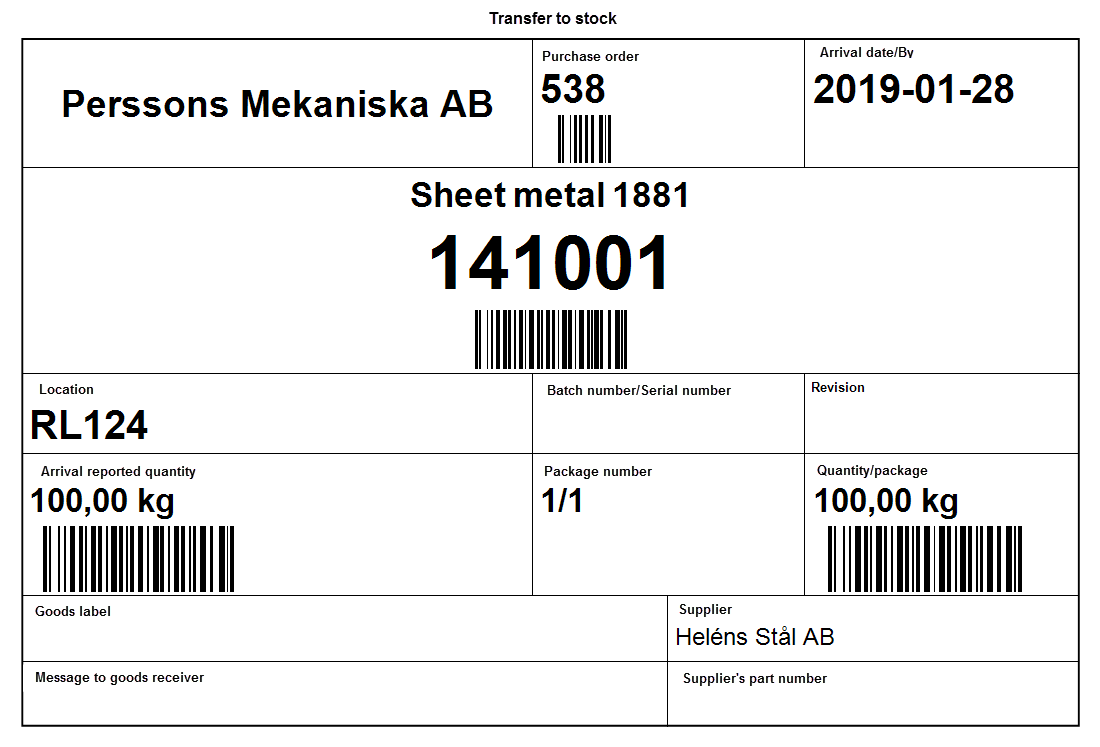
Print transport label
Print a transport label to mark your incoming goods.
Receiving inspection
All parts requiring a receiving inspection do not get their stock balance updated at the arrival reporting, they get the status Arrived. In order for the parts in these order to be stock updated, they must be reported as approved. You can also enter rejections, if any, and the cause of the rejection. In the procedure you can then print transport labels.