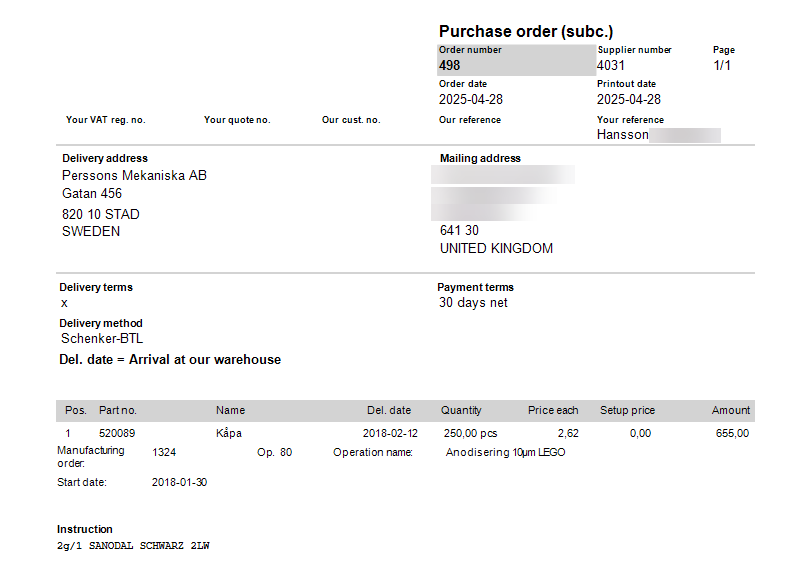
Order confirmation
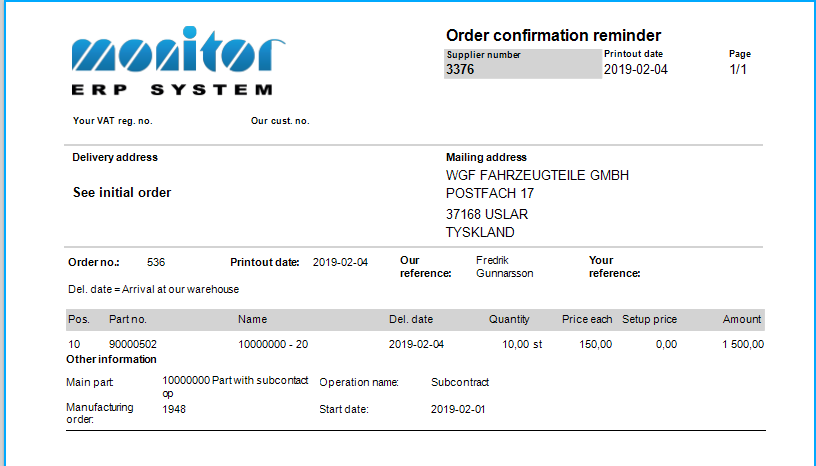
Creating an order confirmation of a subcontract purchase order is done just as for regular purchases of material, that is, in the Register purchase order procedure. If you do not receive an order confirmation from the supplier, you can print a reminder document. This is done in the Order confirmation reminder procedure. The grace period determines which orders will be included in the document. For example, if you enter two days, this means that unconfirmed purchase orders printed two or more days ago, will be included.
Shipping
When the goods are sent to the subcontractor, a delivery note must be printed (if this has not been done already). When this takes place, the operation is reported as shipped.
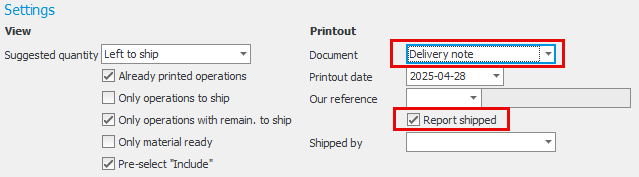
Delivery notes are printed in the Subcontract documents/Shipped procedure. The different documents that can be printed under the Documents tab are selected in the Document setting. By checking Report shipped, the shipment is recorded at the same time.
After data has been loaded to the list for all operations that can be shipped, it is possible to change Quantity and Finish date.

When the list is saved, the shipment is reported and delivery notes can be previewed and printed in the Document tab. A sample delivery note is shown here: